
Hyundai Ioniq (AE): LCD Display Messages / Unplug vehicle to start, Remaining time (Plug-in hybrid vehicle)
Unplug vehicle to start (Plug-in hybrid vehicle)
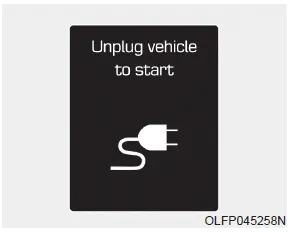
This message is displayed when you start the engine without unplugging the charging cable. Unplug the charging cable, and then start the vehicle.
Remaining time (Plug-in hybrid vehicle)
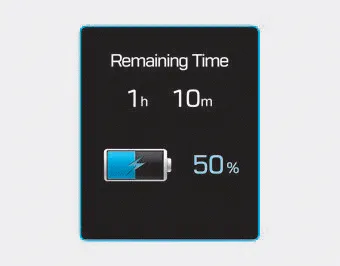
This message is displayed to notify the remaining time to fully charge the battery.
Check brakes/Check regenerative brakes Either message is displayed when the brake performance is low or the regenerative brake does not work properly due to a failure in the brake system.
Wait until fuel door opens (Plug-in hybrid vehicle) This message is displayed when you attempt to open the fuel filler door with the fuel tank pressurized.
Other information:
Hyundai Ioniq (AE) 2017-2022 Service & Repair Manual: Ambient Temperature Sensor. Components and components location
C
Hyundai Ioniq (AE) 2017-2022 Service & Repair Manual: Ambient Temperature Sensor. Repair procedures
Inspection1.Check the resistance of the ambient temperature sensor between terminals 1 and 2 whether it changes by changing the ambient temperature.1. Ambient Sensor (+)2. Sensor groundSpecification Ambient temperature [°C (°F)] Resistance between terminal 1 and 2 (
Categories
- Manuals Home
- Hyundai Ioniq Owners Manual
- Hyundai Ioniq Service Manual
- If the 12 Volt Battery is Discharged (Hybrid Vehicle)
- Hybrid Vehicle Engine Compartment
- DCT(Dual Clutch Transmission) System
- New on site
- Most important about car
