
Hyundai Ioniq (AE): LCD Display Messages / Check brakes/Check regenerative brakes, Check Virtual Engine Sound System
Check brakes/Check regenerative brakes
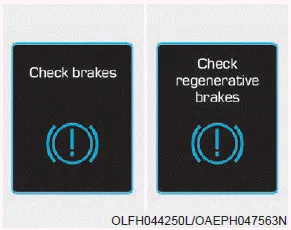
Either message is displayed when the brake performance is low or the regenerative brake does not work properly due to a failure in the brake system.
In this case, it may take longer for the brake pedal to operate and the braking distance may become longer.
Check Virtual Engine Sound System
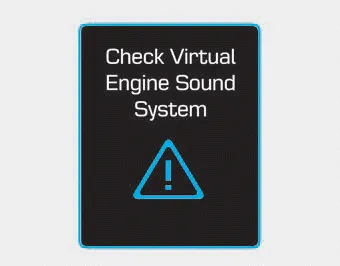
This message is displayed when there is a problem with the Virtual Engine Sound System (VESS).
In this case, have your vehicle inspected by an authorized HYUNDAI dealer.
Refill inverter coolant This message is displayed when the inverter coolant is nearly empty. You should refill the inverter coolant. Stop vehicle and check brakes/ Stop vehicle and check regen.
Unplug vehicle to start (Plug-in hybrid vehicle) This message is displayed when you start the engine without unplugging the charging cable. Unplug the charging cable, and then start the vehicle.
Categories
- Manuals Home
- Hyundai Ioniq Owners Manual
- Hyundai Ioniq Service Manual
- Engine Mechanical System
- Jump starting procedure
- Checking the Coolant Level
- New on site
- Most important about car
